Email Address
knoledgefortechnology02@gmail.com

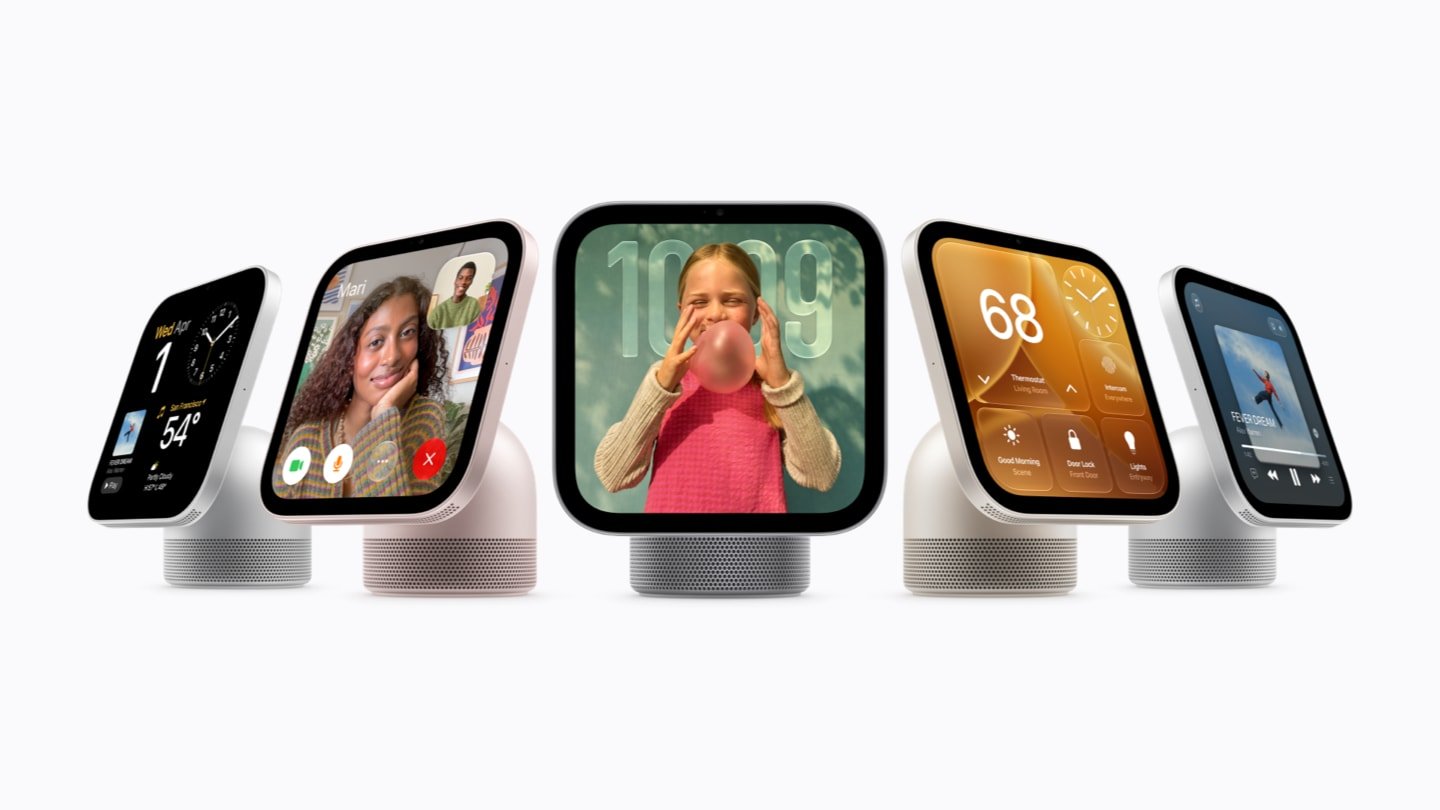
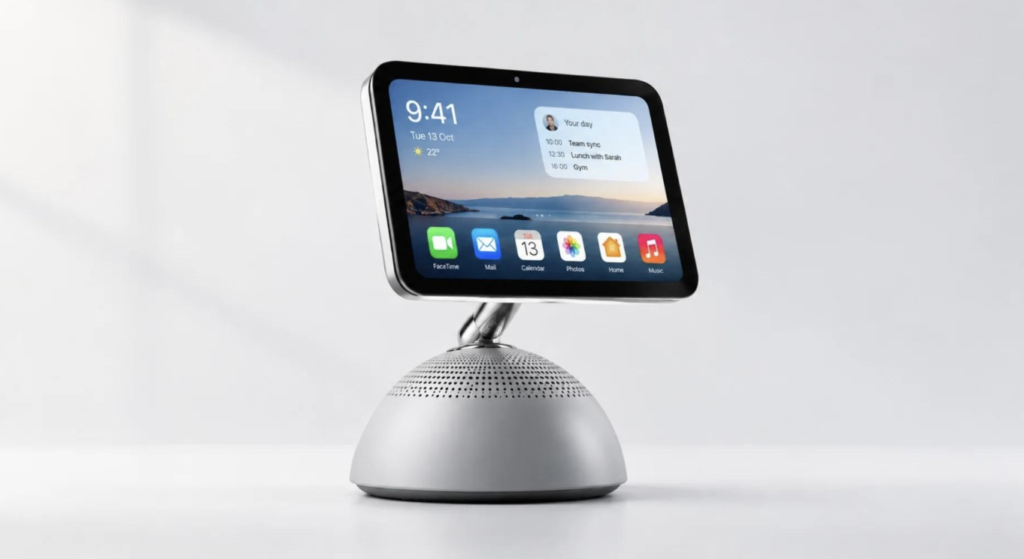
Apple introduces us to a new product called the HomeView. It is just like a HomePod with a 7-inch display attached to it. It does not completely take over the iPad. With that, you can play music, FaceTime, see calendar events, and do more.

| Feature | Apple HomeView |
|---|---|
| Product type | Smart-home display and hub |
| Display | 7-inch Liquid Retina |
| Resolution | 1088 × 1088 |
| Processor | Apple A18 |
| Camera | 12MP Center Stage |
| Connectivity | Wi-Fi 6E, Bluetooth 6, Thread |
| Audio | Spatial Audio with Dolby Atmos |
The HomeView comes in 2 models: one with a dome-shaped base that is connected to the display with a stainless steel hinge that allows adjustment. It comes in Silver, Starlight, Rose Pink, and Space Gray. It also comes with a 1.5m USB-C cable and a 30W power adapter.
The other one is just a display that can be wall-mounted. It comes in Silver and Space Gray. When you choose that one, you have 2 power options: a Power Mount USB-C Wall Connector for $59.95 or a Power Mount AC Wired for $79.95. Both HomeView models should be plugged in to work.
Display
The display is going to be an LCD 7-inch Liquid Retina display with LED backlighting. The resolution is 1088 by 1088 at 220 pixels per inch. The brightness can go up to 500 nits, and the minimum could be 0.3 nits. It also features a fingerprint-resistant oleophobic coating. If your room’s light is yellow, you don’t have to worry because it has the True Tone feature.
The biggest point is its customizable faces. You have the options of Photos Face, Calendar and Weather Face, Home Modular Face, and Home Camera Face. We could see more faces, even though some can be customized and change throughout the day.
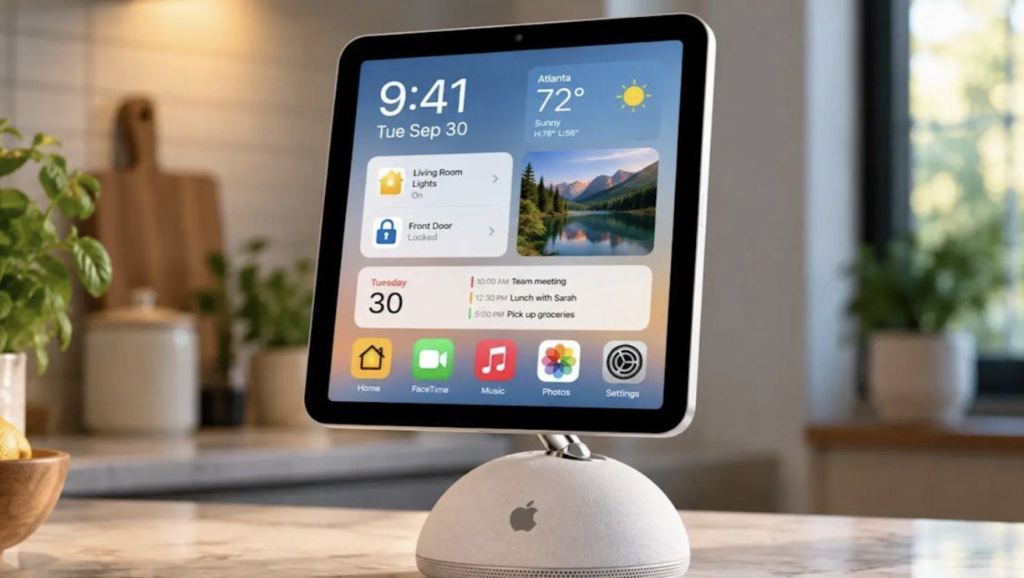
The HomeView is equipped with the A18 chip. It is also capable of recognizing up to six people to personalize the experience. It will also recognize guests so they have limited control. There is a new AI Siri, and it is also capable of sending messages and controlling smart-home devices.
You can find apps like Calendar, Alarms, Timers, FaceTime, Find My, Music, Podcasts, Safari, and more. Other apps are available when connected to an iPhone, like Audiobooks and Apple TV. There is also something for other third-party apps.
From the start, it requires iOS 27.2 plus Wi-Fi.
It is also going to have the all-new Siri AI, which is capable of doing a lot of stuff, like understanding your personal contacts and more. With the new device, it is also able to showcase a crafting tutorial, cooking instructions, or the recipe for the food you want to make.
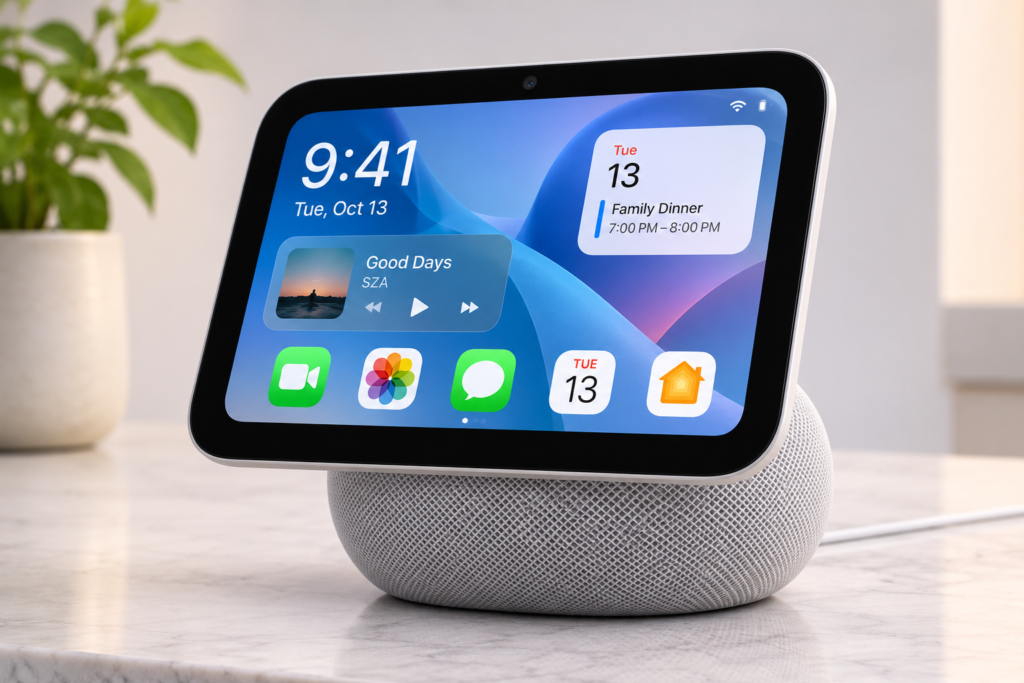
It is equipped with a 12-megapixel Center Stage camera with an ƒ/2.4 aperture, only front-facing, that allows FaceTime. It has 4 microphones: one front microphone, a rear microphone, one on the left, and the other on the right.
It also supports computational audio that will allow you to tune loudness and the bass. The speakers are at the bottom of the display with two custom full-range drivers with Spatial Audio support.
The one with the speaker base also has a custom down-firing woofer and dual force-cancelling passive radiators. These are 2 more features that the other one doesn’t have, and it’s kind of a big deal because there is no price difference.
HomeView is capable of supporting Wi-Fi 6E and Bluetooth 6. It is also equipped with an accelerometer, ambient light sensor, and temperature and humidity sensor.
Partnered
Apple has partnered with LG Electronics and Schneider Electric to create high-end products that work with HomeView.
It is going to be released on November 13, 2026, with a price tag of $429. And I also heard that HomeView is not being launched in the European Union because of the Siri AI requirements.
How much does Apple HomeView cost in Canada?
$429 + tax and $299 USD.
Does Apple HomeView have a camera?
Yes, it does.
Can Apple HomeView control smart-home devices?
Yes, like Apple TV.
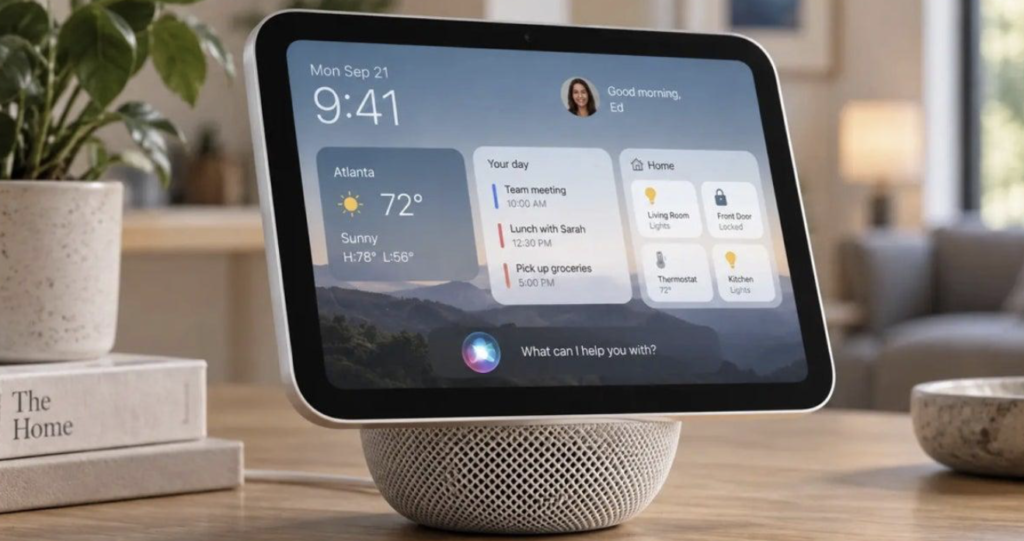
This HomeView is going to be a convenience for everyone in the home. Whether you want to go outside and just have a quick look at the weather, the product will tell you the weather outside, or you are in the kitchen and want to make some food, you can pull up food recipes. Or you want to have fun while you’re cooking, so you can put on some music, or you want to talk with someone using FaceTime while cooking, you can also do that. It’s really going to bring joy to the house and make things much easier.