Email Address
knoledgefortechnology02@gmail.com
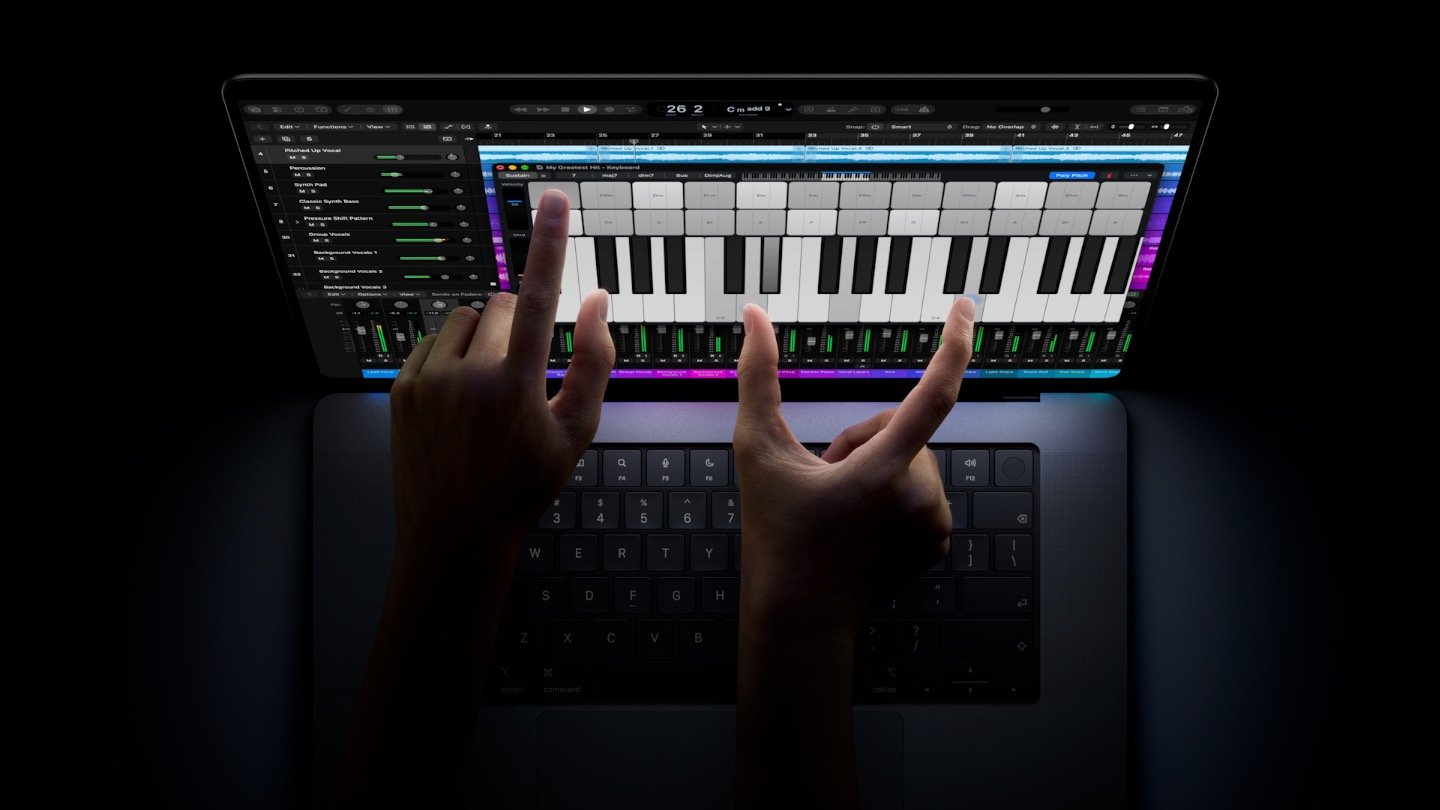
At the “Pro and Tell” event, Apple announced a product that was never expected from Apple: a “touchscreen MacBook Pro,” officially named the MacBook Pro PROLED XDR. But that’s not where the configurations start. They start at 24GB of RAM and 1TB of storage, and go up to 128GB of RAM and 16TB of storage.
| Feature | MacBook Pro with PROLED XDR |
|---|---|
| Display technology | Tandem OLED |
| Display branding | PROLED XDR |
| Available sizes | 14-inch and 16-inch |
| Peak brightness | Up to 2,000 nits |
| Contrast ratio | 10,000,000:1 |
| Refresh rate | Adaptive 10–120Hz |
| Touchscreen | Yes |
| Processors | M5 Pro and M5 Max |
| Camera | 12MP Center Stage |
| Wireless connectivity | Wi-Fi 7, Bluetooth 6 |
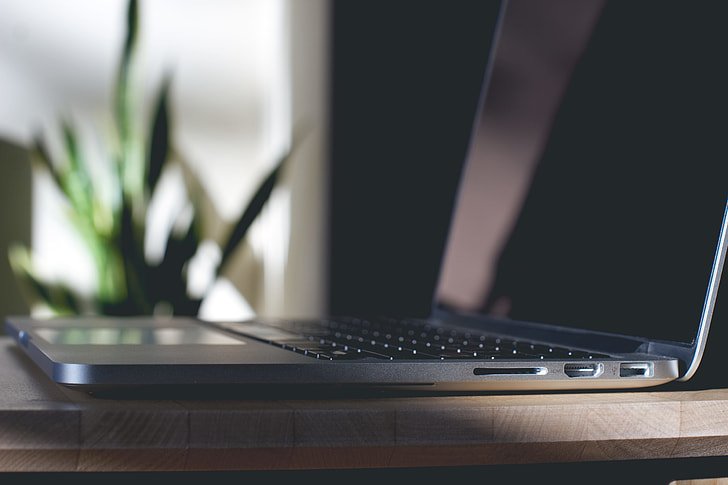
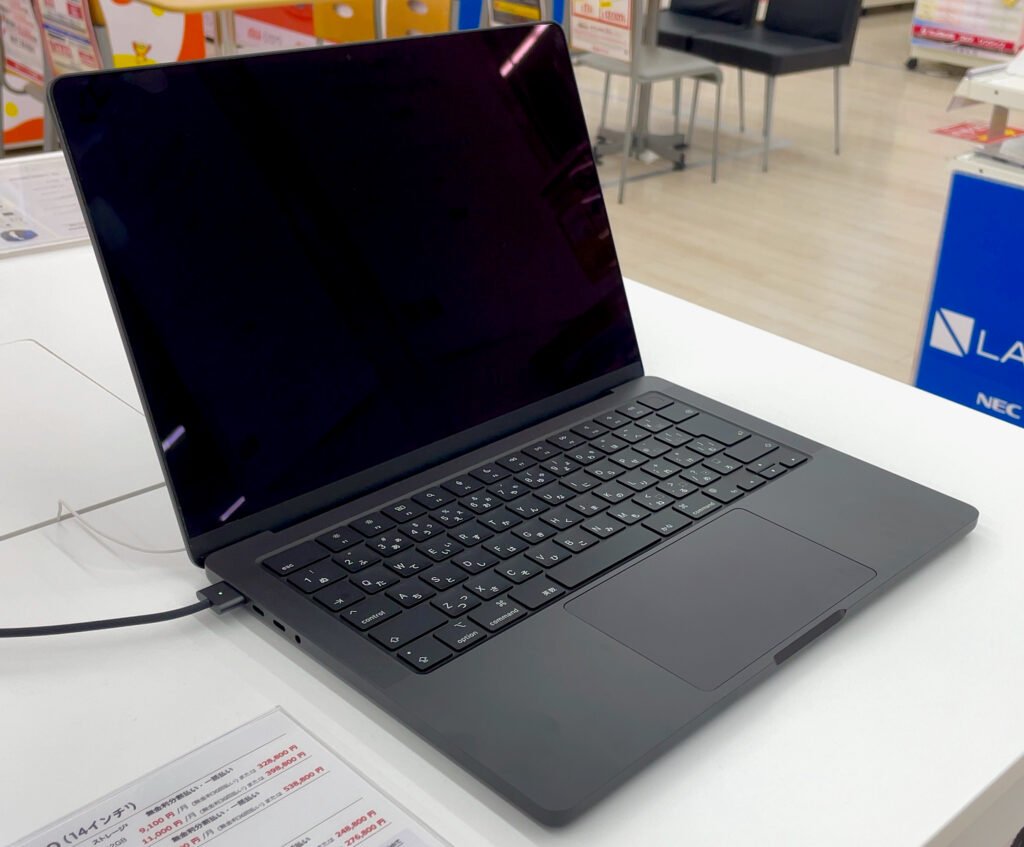
It comes in Space Black and Silver finishes. From the first look, you’re going to notice that it is equipped with a Dynamic Island. It also works just like an iPhone. On the side, it has Thunderbolt 5, HDMI, SDXC, MagSafe 3, and a headphone jack. It comes in two sizes: 14.2-inch and 16.3-inch models. On the back, the Apple logo glows, and it is equipped with a touchscreen OLED display that can go up to 2,000 nits of peak brightness. Apple claims a 10,000,000:1 contrast ratio with adaptive ProMotion from 10Hz to 120Hz.
The new display is equipped with Tandem OLED technology branded as PROLED XDR. It is designed for professional work. Before, they were using a mini-LED screen, but now they have OLED pixels, which can turn off individually for deep blacks. OLED also helps with brightness and image quality. It supports the P3 and Adobe RGB colour spaces, and you can equip the nano-texture option.
| Model | Weight | Weight Reduction |
|---|---|---|
| 14-inch | 3 lbs | 0.5 lbs lighter than its predecessor |
| 16-inch | 4 lbs | 0.7 lbs lighter than its predecessor |
| Feature | PROLED XDR | Liquid Retina XDR |
|---|---|---|
| Display technology | Tandem OLED | Mini-LED |
| Individual pixel lighting | Yes | Uses a backlight |
| Contrast ratio | 10,000,000:1 | 1,000,000:1 |
| Peak brightness | Up to 2,000 nits | Up to 1,600 nits HDR |
| Colour gamut | P3 and Adobe RGB | P3 |
| Touchscreen | Yes | No |
| Refresh rate | Adaptive 10–120Hz | Adaptive up to 120Hz |
The biggest change in the new MacBook Pro is the new touch support. You can scroll, zoom in and out, and use it as you please. When you want to close or make a window full-screen, if you touch it with your fingers, the three dots—the red, yellow, and green ones—are going to be magnified so that you press the right button. Apple added cool features like that.
This MacBook comes with the M5 Pro or the M5 Max chip, which allows you to do video editing, rendering, processing, modelling, large creative projects, and even run local AI workloads, multitask, and more.
Apple says that it holds a maximum of 24 hours of battery life and can be charged up to 50% in 30 minutes.
Apple also integrated an all-new Wolford design into the MacBook that holds six speakers. It claims to have remarkable new clarity, and the bass is 50% deeper than before. It also has Spatial Audio with Dolby Atmos. Even if you’re connected to another external device and the lid is closed on the MacBook, you can enjoy the premium audio.
Pre-orders start on October 28, 2026, but the devices are really going to be available on November 6, 2026. For the base configuration, the 14-inch model can start from C3,789toC3,999, and the 16-inch model is going to start at C7,189 to C7,599.
Is the new MacBook Pro OLED? Yes, it has an OLED display that can be used as a touchscreen.
Does the new MacBook Pro PROLED use the M6 chip? No, it only comes with the M5 Pro and M5 Max.
Is the MacBook Pro PROLED XDR worth upgrading to? That depends on you and your needs, but if it is a big jump, then I would suggest doing it.
Is MacBook Pro PROLED Better for Video Editing and Filmmaking?
My thinking is that if you’re doing a big job, like a big project, tiny things can really change big things in your project, so I think yes, it should make sense to have it. But otherwise, I don’t think so, and the touchscreen is for making your life a bit easier. But I use my MacBook for a long time, and I needed to have a touchscreen. Having fingerprints on the screen is a bit distracting.
Personally, I never thought of using a touchscreen on my MacBook, so I’m not really dying to get this feature. But I see that in some scenarios, it could be useful. If we were talking about the display, I’m really into that, and I would really like to have the base model with an OLED display without the touchscreen and with the M6 chip. It would be amazing.