Email Address
knoledgefortechnology02@gmail.com

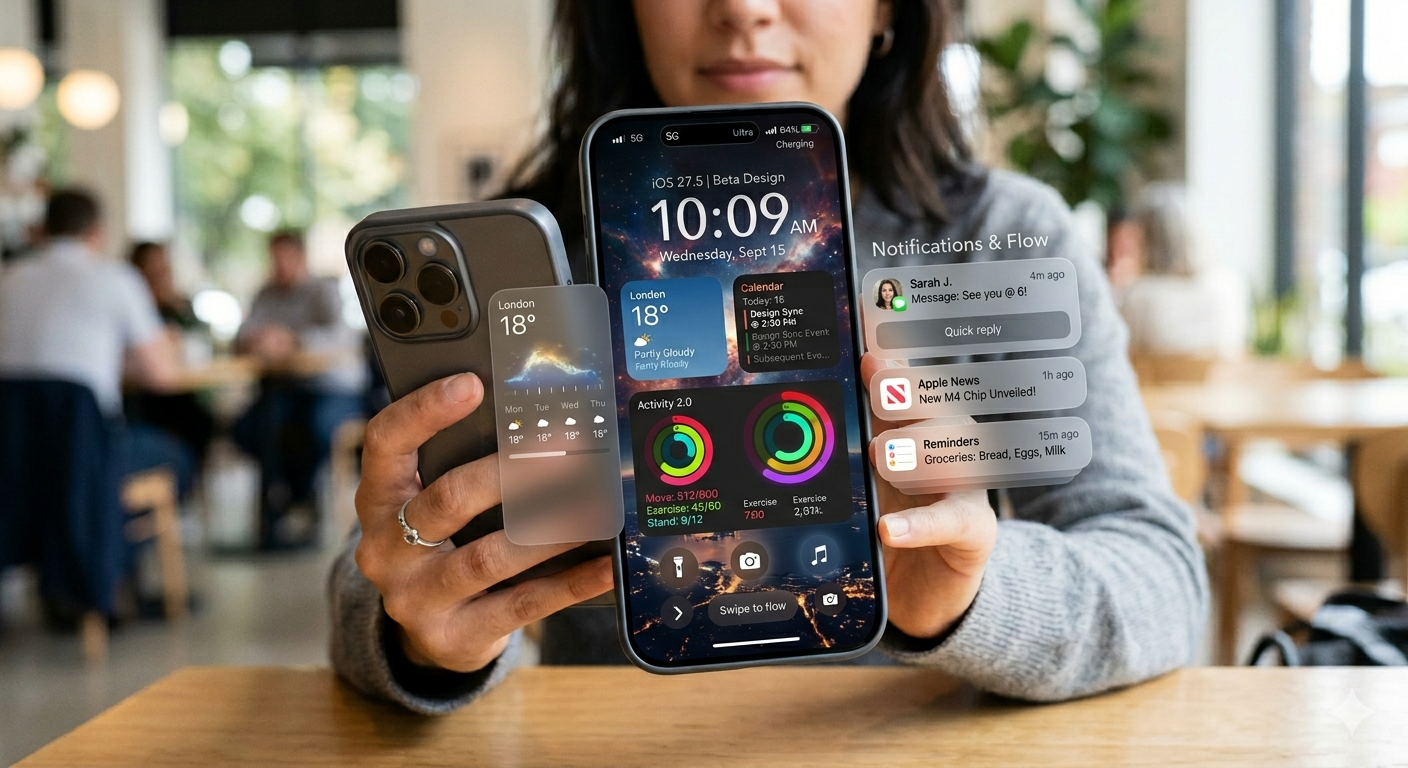
A few months ago, Apple held WWDC 2026, where it presented a lot of upgrades, a fresh design, a more advanced security system for kids, and a lot more. In this article, you’re going to have a clear understanding of what we can expect from iOS 27.
If we talk about some key of iOS 27 performance improvements, app launches are going to be 30% faster on iPhone and iPad because the system will preload key data. When you capture a picture, it will load up to 70% faster. File transfers via AirDrop are going to be 80% faster. On top of that, you can share albums across platforms in full resolution. Moving files to an external drive is going to be 5 times faster.
In the iOS 27 we might also see a feature called a CPU scheduler.
With an iPhone, there will be no need to manually switch between cellular and Wi-Fi. The system will automatically make the connection more seamless than before. There is also going to be an indicator to show the photos and videos you’re sending, mainly because of network conditions.
Apple is also upgrading the Health app so it can provide alerts and useful resources. Additionally, users may now be able to customize the EQ of their AirPods. Maps is also said to be getting more detailed.

in the iOS 27 Users can customize their Liquid Glass from ultra-clear to fully tinted.
There are some changes coming to macOS, such as updates to the toolbar, sidebar, and more.
This is a good way to have an important look at what your kids are watching or interacting with on the iPhone. Apple is taking new steps toward improving Child Accounts. You will now have the ability to approve an app through Messages when your kids want to install it. The same applies to which websites they can browse. If your kids already have an Apple ID, it can be upgraded to a Child Account.
Screen Time is going to be redesigned with more options for Time Allowances and Schedules. Parents may be able to set daily limits for more diversified categories, such as Entertainment, Games, and Social Media. You already know about time allowances. You can also set different times for school days and weekends.
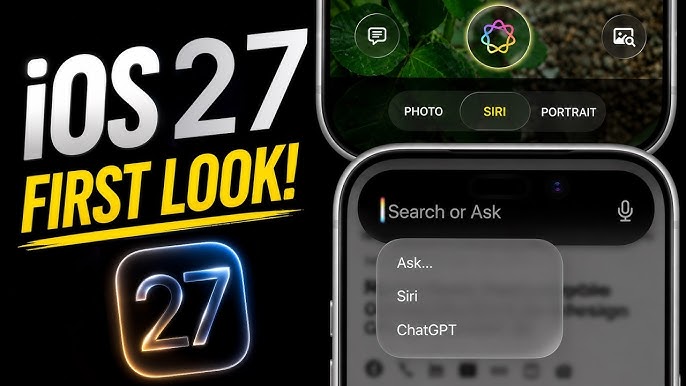
In the iOS 27 AI is going to be capable of understanding personal context with conversational depth. There’s going to be a new app dedicated to Siri, as well as a new Camera Siri mode. It is going to be able to summarize content, create calendar events, and share content to apps. This is for iOS and iPadOS.
There are going to be different features for macOS, like suggesting file actions, generating tables, and more. There will also be differences for watchOS. Of course, that’s not all. There’s way more to explore, so I’m going to give you a complete, detailed version of it.
This is also going to include Dictation Enhancements, new Writing Tools, new developer tools & APIs, new coding enhancements, and more.
The main thing about Siri on iPhone and iPad is that it will understand your personal questions. For example, if you want to find a picture, you can just tell Siri, and it will find it for you.
You can ask a personal question, or if you want to go somewhere and want to add a stop to your route, just tell Siri, and it will generate an automatic route for you.
That’s Siri for you on the iPhone, but that’s just the tip of the iceberg. It is also going to be available across the MacBook and Apple Watch, but with different features to accommodate the different utilities of each device.
| Feature | iPhone | iPadOS | macOS | watchOS | visionOS |
|---|---|---|---|---|---|
| Visual Intelligence | Camera Siri mode, Screenshot | Screenshot, app-wide query | Keyboard shortcut + selection | App grid Q&A | 3-D avatar, gaze-trigger |
| Voice Customization | Expressivity slider | Same | Same | Same | Same |
| Dictation Accuracy | System-wide boost | System-wide boost | System-wide boost | System-wide boost | System-wide boost |
| Conversational UI | Dynamic Island swipe, typed chat | Typed chat, screenshot follow-up | Resizable Spotlight chat | Dedicated Siri app | 3-D floating UI |
| Writing Assistance | In-line drafting, tone-aware | In-line drafting, tone-aware | In-line drafting, context menu | Quick drafts via Watch app | Quick drafts via spatial UI |
| Cross-Device Sync | iCloud-private history | iCloud-private history | iCloud-private history | iCloud-private history | iCloud-private history |
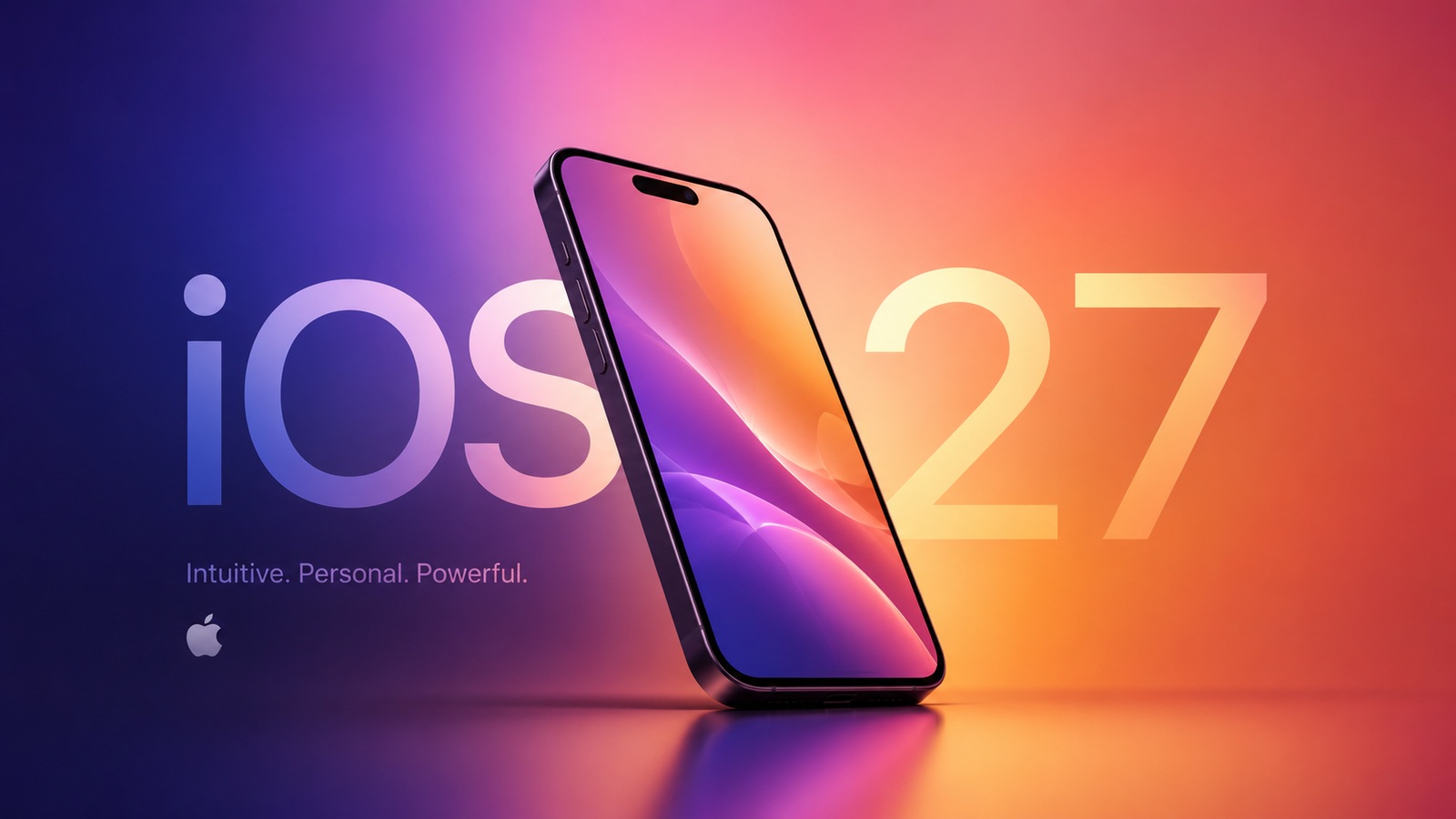
The developer beta version of iOS 27 is already out, but the public beta should be available next month. The full release is going to be this fall or somewhere around that time






Honestly this site does what it promises and the navigation doesn’t feel clunky.:)
thx you sir