Email Address
knoledgefortechnology02@gmail.com

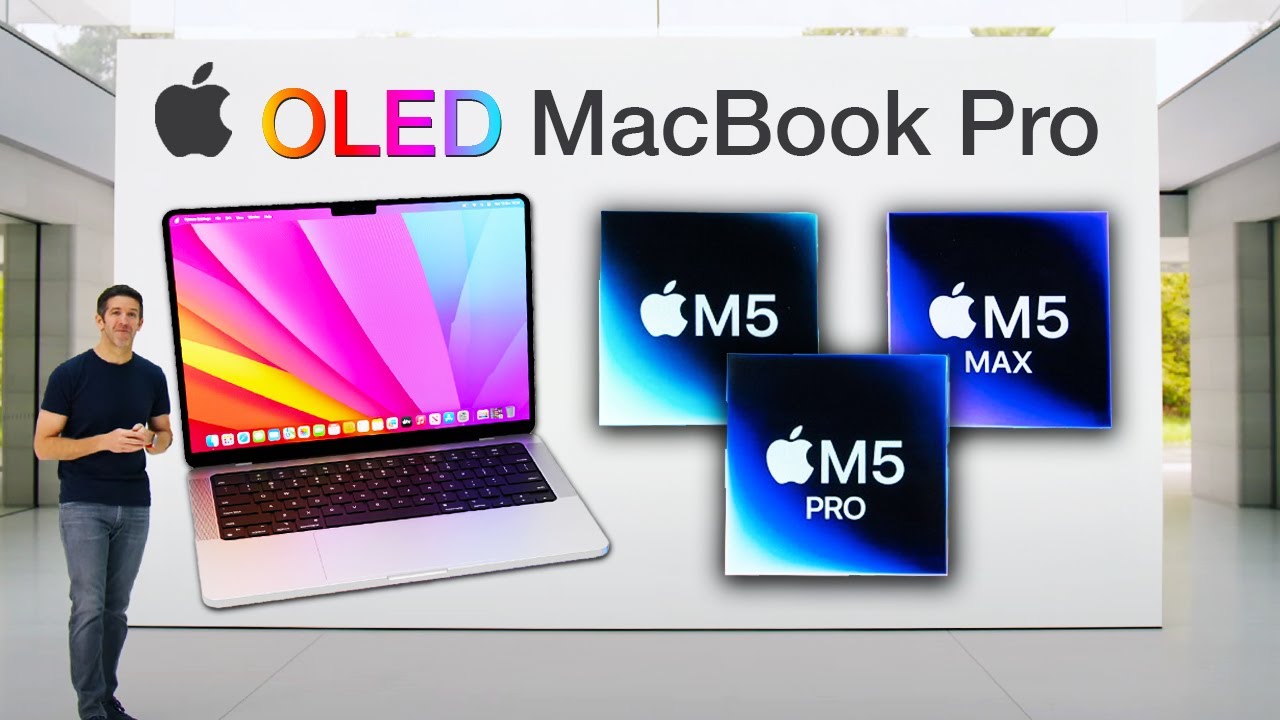
This year, Apple started with the launch of the new MacBook Pro M5. The new MacBook Pro retains the same exterior design as the previous generation, but features numerous internal changes. The new MacBook Pro has additional RAM, an updated system-on-chip, and a nano-texture display option.
The purpose of this powerful machine is content creation and other professional workflows.
Regarding the design, nothing has changed, except that it is slightly heavier than the previous generation. MacBook Pro M5 only comes in 14-inch and 16-inch sizes. The colors are also the same as the previous generation.
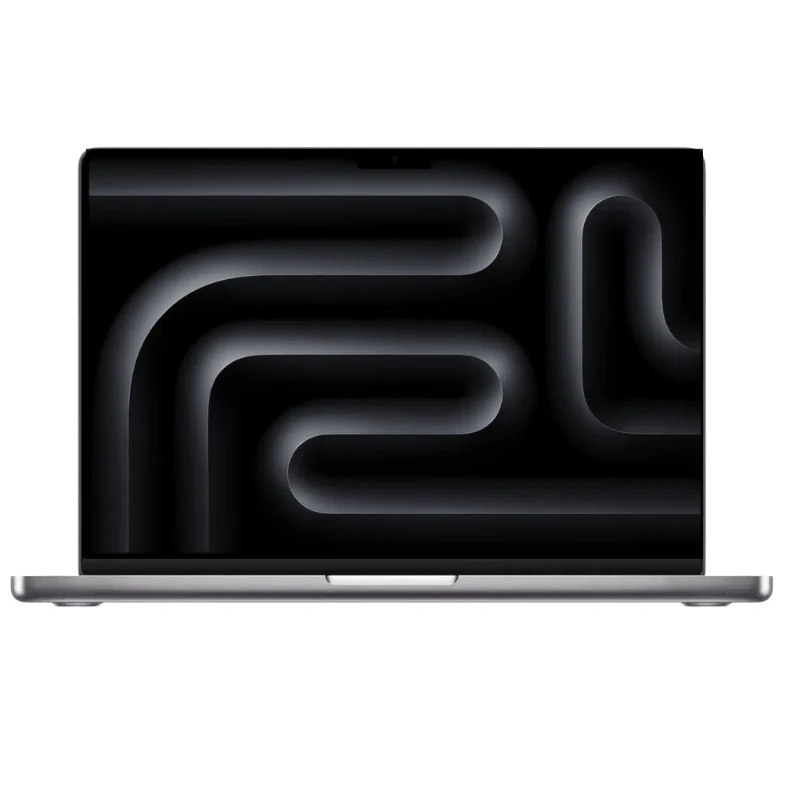
The same display returns, which is beautiful in every way. The Liquid Retina XDR display can reach 1600 nits of peak brightness for HDR. The sustained brightness is 1000 nits. It also supports a billion colours and the DCI-P3 colour gamut.
If you want to use the MacBook Pro M5 in dim lighting conditions, these brightness levels could be intense for the eyes, but the brightness can easily be reduced to much lower levels.
These brightness numbers have been the same since 2021, except for SDR brightness, which now goes up to 1000 nits compared to older generations.
This year, you also have the option to add nano-texture glass, which reduces glare without changing the display quality. However, it is only available for M5 Pro and M5 Max models.
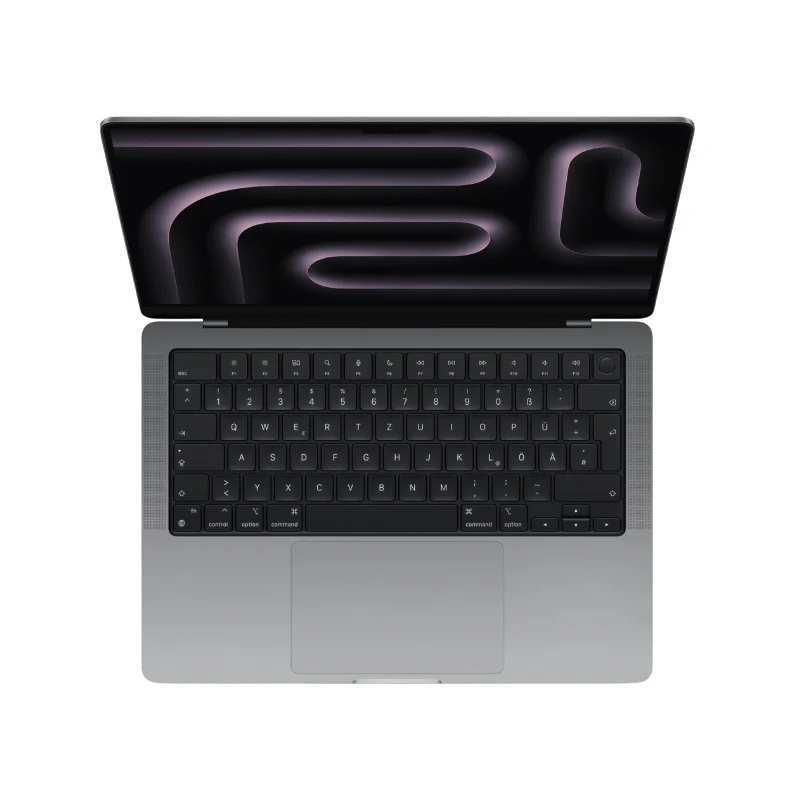
The biggest change in the new generation of MacBook Pro is the M5 chip family. Apple introduced three chips: Apple M5, Apple M5 Pro, and Apple M5 Max. All of them use three-nanometer process technology.
The Neural Accelerator plays a big role in improving performance. It helps AI and machine learning tasks.
The M5 chip is the base model. It has a 10-core CPU and a 10-core GPU, and it supports up to 32GB of unified memory.
The M5 Pro chip is a more advanced model. It has an 18-core CPU and a 20-core GPU, supporting up to 64GB of unified memory.
It also comes with a dual-die architecture that scales CPU and GPU performance while maintaining efficient power consumption.
The M5 Max chip is the most advanced model. It comes with an 18-core CPU and a 40-core GPU, supporting up to 128GB of unified memory.
It also uses an advanced multi-die design, providing even higher GPU performance and memory bandwidth for heavier workloads.
All of this means the MacBook Pro M5 can compete with high-end PCs.

Only the MacBook Pro with the M5 Max chip has a High Power Mode. This mode is designed for intensive workloads.
It maximizes performance to support heavy tasks like colour grading 8K ProRes video. This feature can be turned on in System Settings.
The system also warns that the fan noise may become louder because the chip will generate more heat, and the fans will spin faster to cool the system.
This feature is not new. Previous chips like the M3 Max and M4 Max also included High Power Mode.
Apple has made all MacBook Pro M5 models start with 1TB of storage. This makes sense because the MacBook Pro is designed for professional work, and having only a small amount of storage would be disappointing.
Older MacBook Pro models started with 512GB, but the new M5 MacBook Pro starts with 1TB, and the M5 Max model starts with 2TB, giving you more room for editing, gaming, and professional work.
If this is still not enough, you can upgrade the M5 Max model up to 8TB of storage.
Apple also says that M5 Pro and M5 Max models have storage speeds that are two times faster than the previous generation.

The 14-inch MacBook Pro with M5 Pro allows up to 22 hours of video streaming, while the M5 model offers up to 24 hours.
You might wonder why the M5 has longer battery life than the M5 Pro. This is because the M5 Pro has higher performance and uses more power, while the M5 is more power-efficient.
The M5 Max model also offers around 24 hours of video streaming.
However, battery life also depends on what applications you use. If you use lighter apps like YouTube or Netflix, you may get more than 24 hours. If you use heavy applications like DaVinci Resolve or 3D rendering software, battery life will be lower.
Now let’s talk about charging. Both the 14-inch and 16-inch MacBook Pro can charge up to 50% in about 30 minutes.
There is a difference in the power adapters:
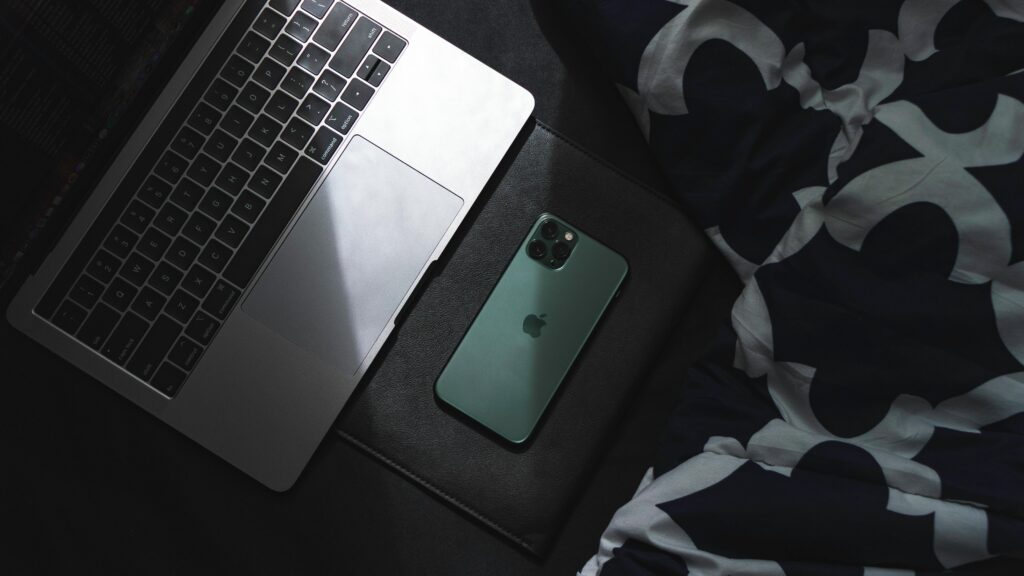
All M5, M5 Pro, and M5 Max models include:
They also support HDMI output with 4K at 240Hz and 8K at 60Hz.
The difference is in the Thunderbolt ports:
The M5 Pro can handle three external displays, while the M5 Max can support four external displays, all while running the internal display at full resolution.
The base M5 chip does not include the N1 wireless chip, but the M5 Pro and M5 Max models do. The N1 chip enables Wi-Fi 7 and Bluetooth 6, which are designed by Apple.

Apple has made some small updates to the camera and audio, but the changes are not very significant. The MacBook Pro M5 mostly uses the same camera and audio hardware as the previous generation.
The 14-inch MacBook Pro M5, which can be purchased with all three chips, starts at $1699.
The 16-inch MacBook Pro M5, which is only available with the M5 Pro and M5 Max chips, starts at $2699.
There is also an optional nano-texture display upgrade for $150.
Is the MacBook Pro worth it?
Yes, especially for professionals who need strong performance for demanding tasks.
What is the difference between MacBook Pro M5 and MacBook Air?
The MacBook Pro is designed for heavier and more professional workloads, while the MacBook Air is focused on portability and everyday tasks.
How long does the MacBook Pro battery last?
It depends on the model and the apps you use, but it can easily last more than 22 hours.
Is MacBook Pro M5 good for video editing?
Yes, it is designed for editing and professional tasks like video rendering.
The new Apple MacBook Pro with the M5 chip delivers strong performance across the lineup. It can handle gaming, editing, rendering, and many other professional tasks.
However, some people may want to wait before upgrading because Apple may introduce bigger improvements in future MacBook Pro models.
Apple is reportedly planning two major things for the future.
The first is an OLED display for the MacBook Pro, which could also support touch input and may arrive with the M6 chip. It is also rumored that Apple could introduce a hole-punch camera design, allowing more display space in the menu bar.
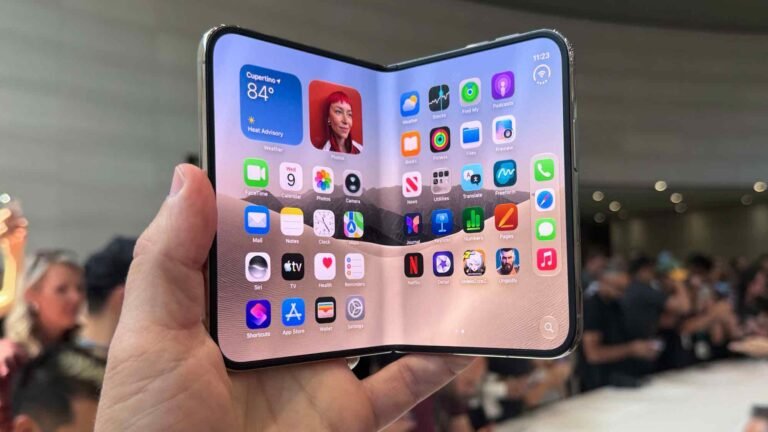
The second rumour is a new product category: an 18.8-inch foldable notebook. When folded, the keyboard would appear on the screen, and when opened, it could function like a large display or monitor when paired with a keyboard.